Log an expense
as a Telegram message
|
the bot does the rest.

Record an expense in 3 seconds, and the bot will sync it to your spreadsheet, remind you of your budget, and send weekly reports. Completely free.
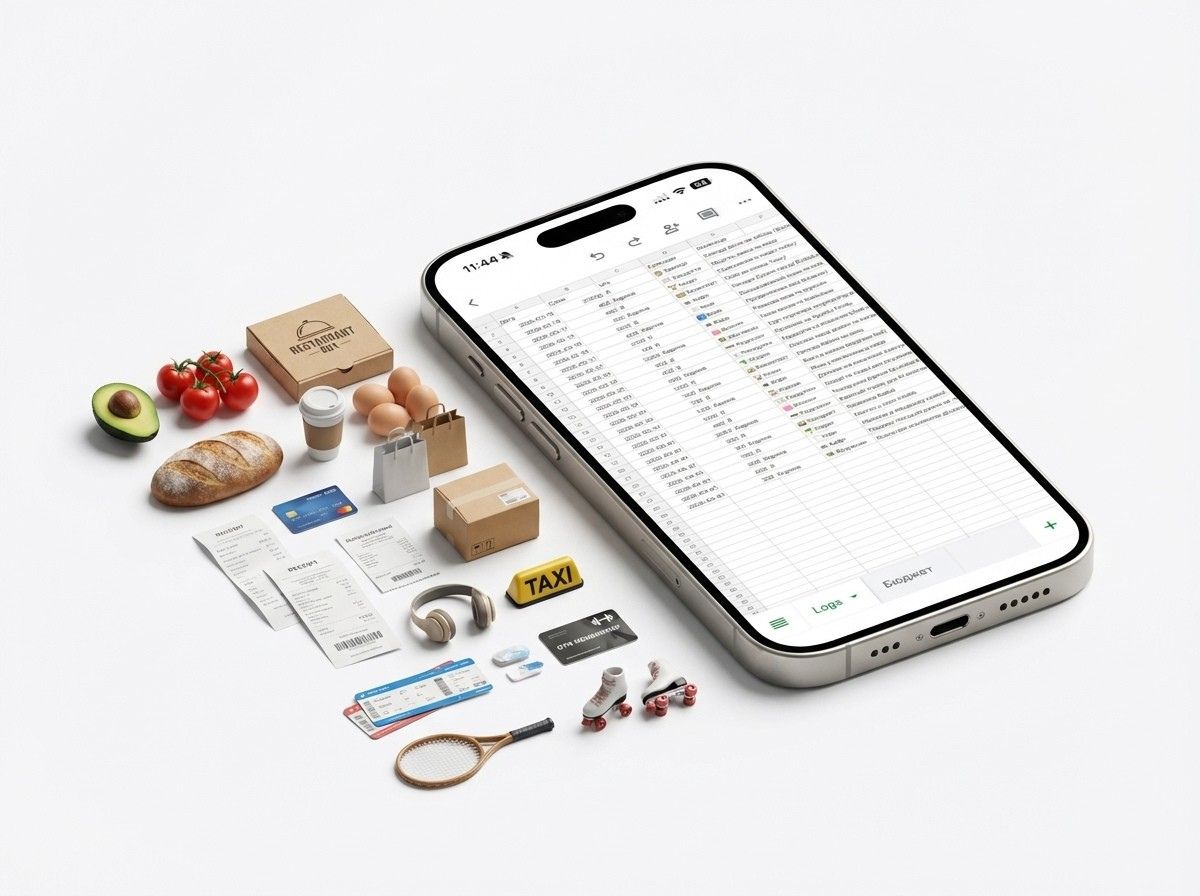
OurLifeCosts Dashboard Preview
keyboard_voice
New Feature
Voice Expense Logging

From Chaos to Control

Experience the difference with automated accounting in your life.

BEFORE OURLIFECOSTS

Manual & Confusing

  • close"Where did $50 go?" at the end of the week
  • close Stressful month-end calculations from a messy chat
  • close Arguments with partners over the budget
sentiment_dissatisfied
WITH OURLIFECOSTS

Peace & Lower Spending

  • check_circle Instant expense logging by voice or text
  • check_circleEntire family accounting in one spreadsheet
  • check_circleInstant alerts if you exceed your budget
  • check_circleSee how close you are to your limits every day β€” and spend more mindfully, no diets or restrictions
sentiment_very_satisfied
mic

Voice Input

Carrying groceries? Just say: "Whole Foods 45 dollars groceries". The bot identifies the category and logs it correctly.

group_add

Shared Access

Invite your partner to the bot to track family expenses together. Your sheet and budgets sync automatically.

auto_graph

In Your Google Sheet

Your data belongs to you. We don't hide your finances inside a closed app. OurLifeCosts works directly in your spreadsheet.

notifications_active

Reminders

Forget to log? The bot gently reminds you in the evening, ensuring no penny goes uncounted.

bar_chart

Reporting

Weekly interactive charts β€” see where most of your money goes without leaving Telegram.

How to Start?

No technical skills needed. Setup takes 2 minutes.

01
Join the Bot

Find @OurLifeCosts_bot on Telegram and hit 'Start' to begin the setup process.

02
Connect Spreadsheet

Create a new spreadsheet, add the bot's email as an editor, and it will configure everything for you.

03
Add a Partner

Add a spouse, family member, or roommate to the bot for joint budget management.

04
Choose Categories

Configure your own expense categories directly within the Telegram chat.

05
You're Ready!

Start typing or dictating your expenses and keep track of your finances effortlessly.

Trusted by 10+ users

star star star star star

"Now my boyfriend knows all my spending.
1 star, no more."

Karina
Karina
My Girlfriend
star star star star star

"Finally, a tool that's easy to start using. I saved $20 in the first month."

Vsevolod
Vsevolod
Beta User
star star star star star

"Voice input is great. I just open the bot, dictate all my bank expenses, and it takes 2 mins for the whole week."

Yulia
Yulia
Beta User

Frequently Asked Questions

Everything you wanted to know about how OurLifeCosts works

Is it safe? Will the bot access my passwords or emails?
expand_more
Absolutely not. OurLifeCosts uses the Google OAuth protocol. You only grant access to the specific spreadsheet you create for accounting. We don't see your emails, passwords, or other personal files. All data is stored exclusively on Google servers in your sheet. The bot only analyzes data from that specific table.
Does the bot understand my language in voice messages?
expand_more
Yes! Thanks to integration with modern AI speech recognition models, OurLifeCosts understands several languages including English and Ukrainian. You can say: "Coffee 5 dollars" or "Gas two thousand" β€” the bot instantly recognizes the amount and category (after your confirmation).
What if I make a mistake in the amount or name?
expand_more
Everything is under control. You can instantly message the corrected amount to the bot. Additionally, since OurLifeCosts syncs with your Google Sheet in real-time, you can go into the sheet and manually edit any cell at any time.
How do I add a partner to a shared budget?
expand_more
It's very simple and completely free. In the bot's settings, select "Add Partner" and send them the special link. Once confirmed, all your shared expenses will automatically go into one sheet in real-time.
What if I forget to log an expense?
expand_more
OurLifeCosts helps form a healthy habit. You can set up daily reminders at a time convenient for you. For example, at 9:00 PM, the bot can ask: "Did you remember to log your expenses today?".
Why is the service free? What's the catch?
expand_more
No catches. The basics β€” expense logging, budgets, reports, reminders, and shared access β€” are free forever. Advanced features (voice input, the AI assistant, visual dashboards) run on credits, with no subscription. Every month you get free credits, so you can try everything at no cost and only top up if you use it actively.
What happens to my records if you shut the project down?
expand_more
Nothing disappears. All your expenses are stored in your own Google Sheet, not with us β€” it's a regular file on your Google account. It stays fully yours even if OurLifeCosts ever stops working. We don't lock your data inside a closed app.
Can I use it solo, without a partner?
expand_more
Of course. OurLifeCosts works great for a personal budget β€” just log your own expenses. And whenever you want shared tracking, you can add a partner in one click: your sheet and budgets merge automatically.
How is this better than jotting things in Notes or Excel?
expand_more
You'll log just as quickly β€” but that's where the difference begins. In Notes a number just sits there: nothing counts it and nothing reminds you. Here the bot tallies every category, sends ready-made reports, reminds you to log, and warns you when you're getting close to a limit. You make one move β€” the bot handles the rest of the analytics.

Ready to Take Control of Your Finances?

Master your finances without the effort with OurLifeCosts.

Start for Free

Free to start β€’ Instant setup β€’ Data stays in your spreadsheet